Locafox POS Connector: POS integration in Business Central
Seamless cash register integration into the ERP system
Automated processes for less effort
Real-time data for full control
Successful years
successful projects
Team members
What is the Locafox POS Connector?
The intelligent interface links your Locafox POS solution directly with Microsoft Dynamics 365 Business Central, ensuring seamless data exchange between the POS and ERP system
Functions of the Locafox POS Connector
Direct integration in Business Central: no third-party software - everything runs securely and stably in the ERP.
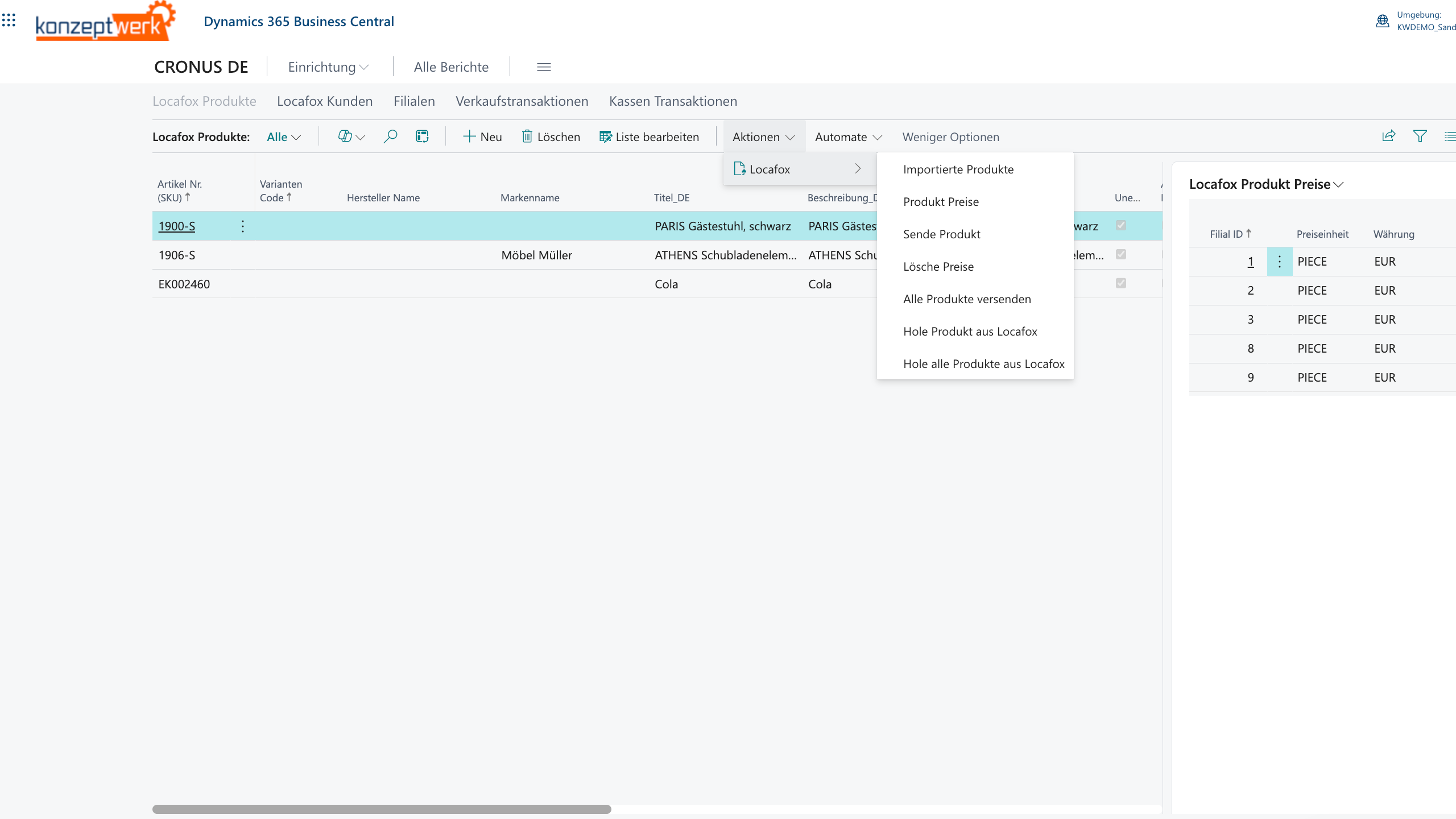
Automatic import of cash register sales
Daily cash closings and postings end up directly in the ERP - completely automated.
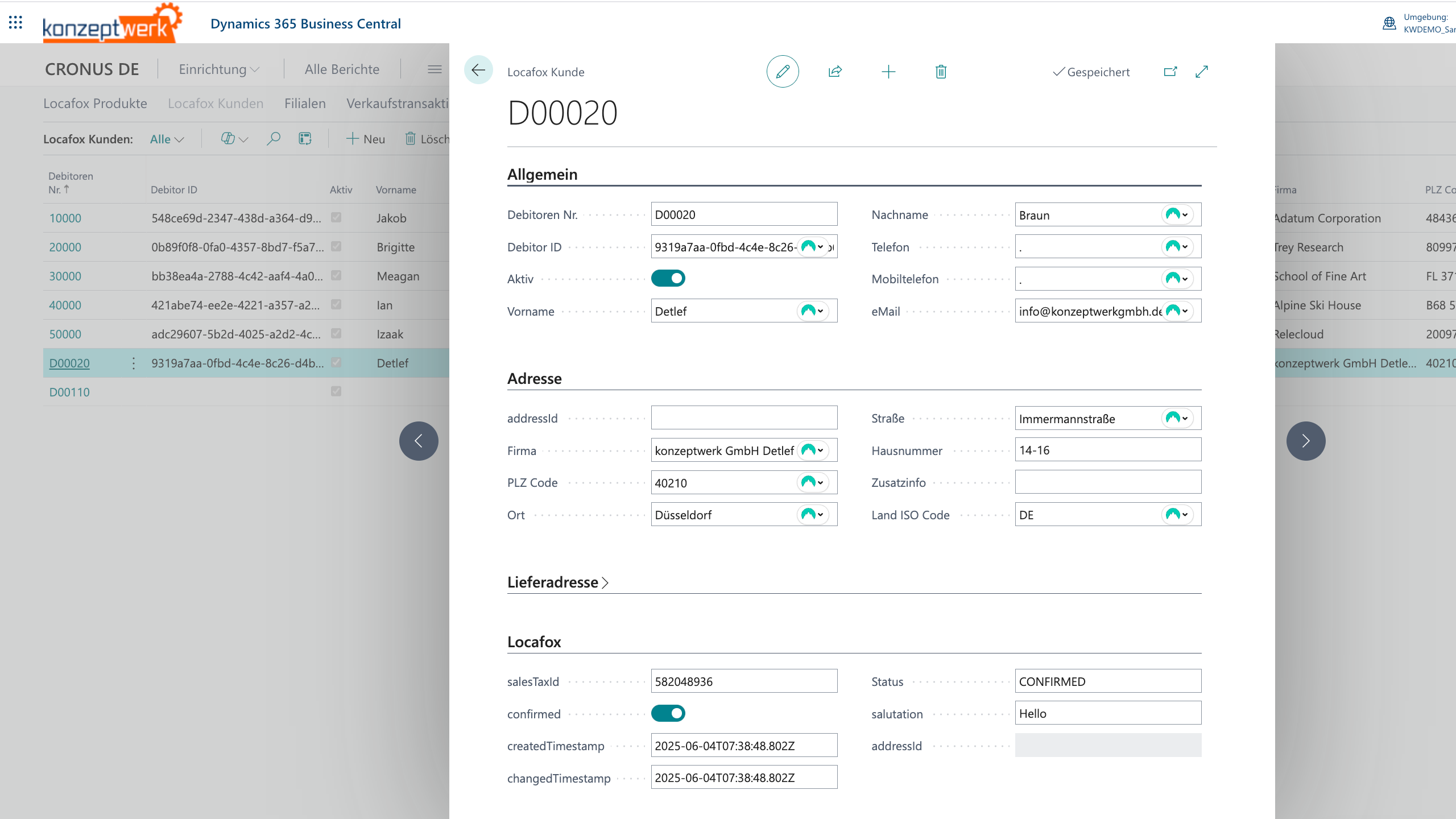
Synchronize article and warehouse data
New articles and stocks are compared with the cash register.
Transfer document and booking data
Booking data flows seamlessly into the ERP system.
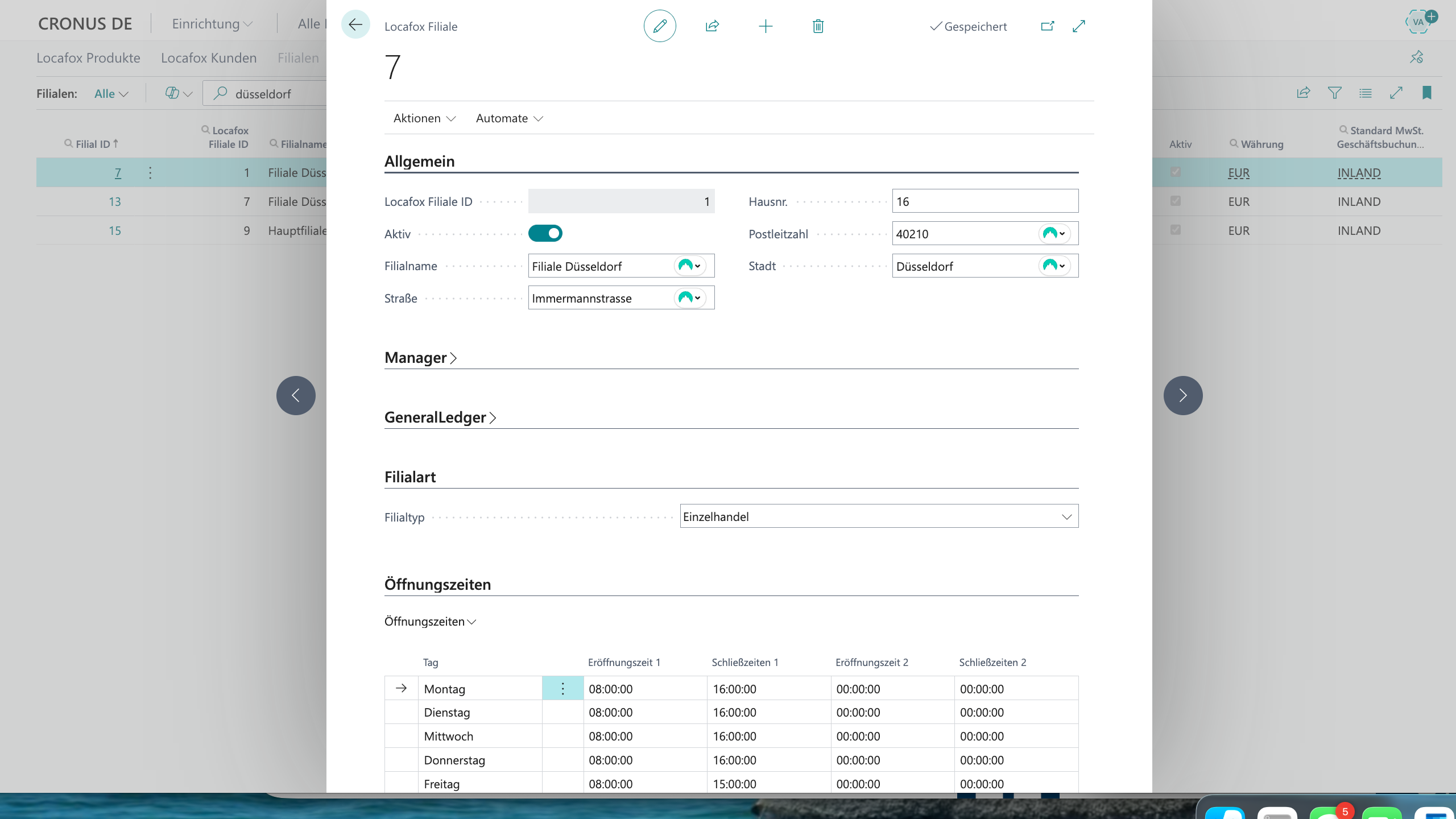
Manage multiple locations
Supports any number of cash registers and branches.
Advantages of the Locafox POS Connector
Seamless connection of cash register and ERP
Automatic reconciliation of sales, articles and stock levels.
Real-time transparency
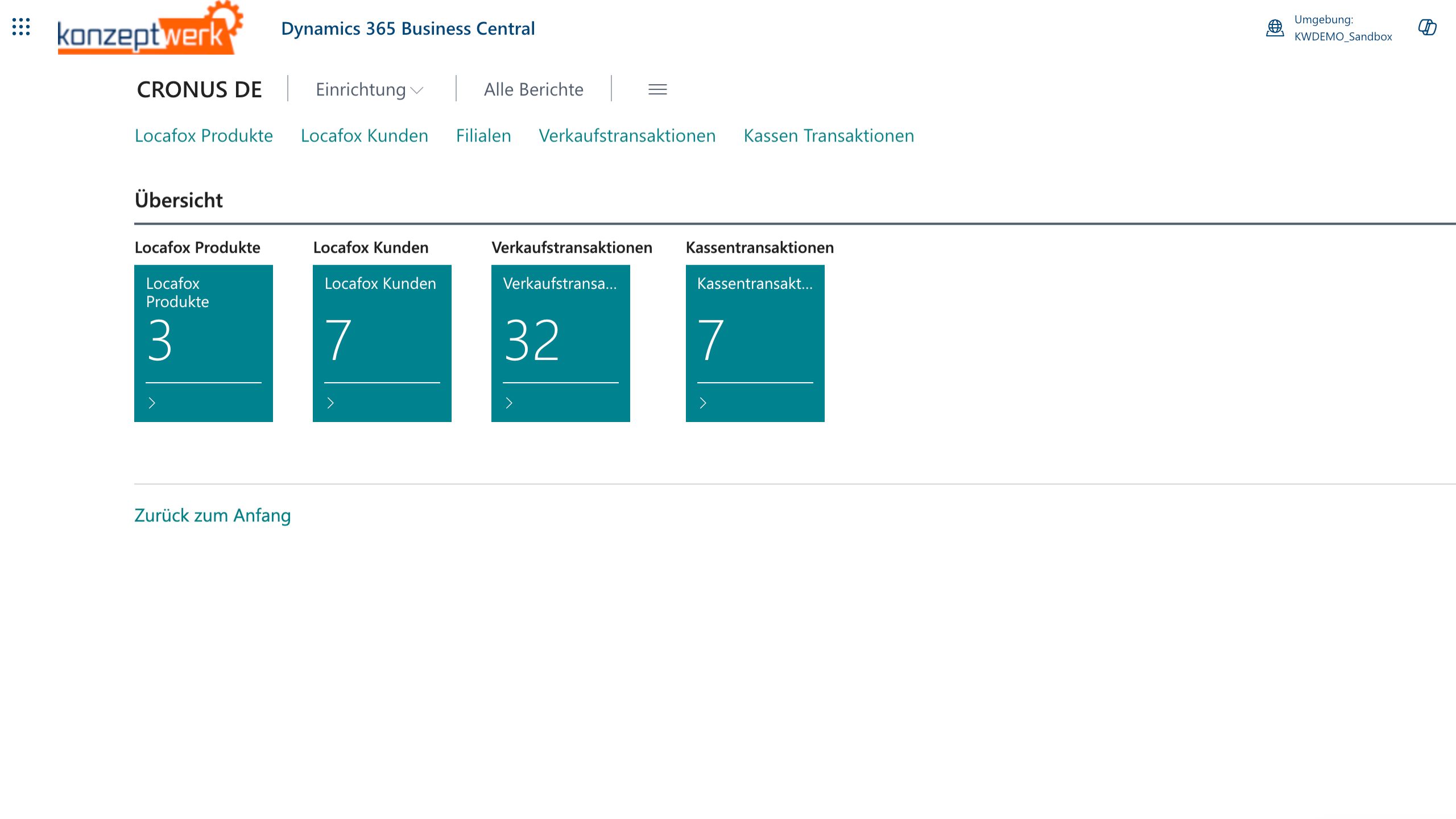
All cash register sales are available in Business Central.
Less effort, fewer errors
No more manual data entry or error-prone exports.
Easy to set up and use
Quick installation, intuitive operation - without an IT project.
collana shield in 1 minute.
collana shield in pictures.
Download our factsheet now.
Order Locafox POS Connector
Transparent, scalable price structure - with no hidden costs.
Order Locafox POS Connector
-
Fixed price per Locafox dealer number
-
Flexibly scalable - for your growth
Target groups
Wholesalers and retailers with Locafox checkouts
Ideal for stores, chain stores and retail companies with Locafox POS.
Companies with a focus on automation
For all those who want to easily combine cash register, warehouse and accounting.
FAQ on the LocaFox POS interface
Is this a certified Business Central app available in the Microsoft App Source?
Yes, our solution is available to you directly in the Microsoft AppSource available.
How does Sendcloud help companies optimize shipping?
Shipping labels and tracking integration:
The Sendcloud functions make it easy to create shipping labels or shipping stamps and deliver tracking links directly back to your system. In addition, Sendcloud offers an efficient returns solution that helps companies to process returns smoothly. This saves time and increases efficiency.
Integration of Sendcloud into existing systems such as Business Central:
With our Business Central Sendcloud interface, Sendcloud is seamlessly integrated into Microsoft Dynamics 365 Business Central. This allows shipping orders to be created and managed directly from your ERP system.
How is Sendcloud integrated into different platforms?
Sendcloud and ERP systems such as Business Central
Sendcloud integrates seamlessly with ERP systems such as Microsoft Dynamics 365 Business Central and also supports express shipping options for particularly urgent shipments. This ERP integration allows companies to handle shipping processes directly in their familiar environment.
Conclusion: Why Sendcloud and the Business Central app are the ideal shipping solution for your company
Efficient shipping processes
Automated processes save time and reduce errors
Central control
Manage all shipping orders in your familiar ERP environment
High flexibility
Use different shipping service providers and adapt the solution to your individual requirements
Better customer satisfaction
Benefit from real-time tracking and fast support